Printable typing certificate
Learning to type takes weeks of practice. Mark the moment with a certificate: type your child's name and print. Just took the typing test? Then the speed and accuracy go on it by themselves. The name stays in your browser.
Certificate
Touch typing
This certificate is proudly presented to
Your name
for practicing hard and learning to type with ten fingers.
TYPCOON · typcoon.com
How to make the certificate
- Type your child's name. The date is filled in for you.
- Want the speed on it? Let your child take the typing speed test first and click "Print your certificate" at the end. The characters per minute and the accuracy then appear on the certificate by themselves.
- Click "Print the certificate". It fits on one page, landscape.
- Sign it by hand, and hand it over.
When to give a certificate
Reward effort and milestones, not only speed. Good moments are when your child:
- types the home row without looking;
- knows all the letters with the right fingers;
- beats their own score on the speed test;
- has practiced every day for two weeks.
A certificate works best for a real step forward. Not sure what the steps are? Touch typing for kids lists them in order.
Is this an official typing certificate?
No. It is a certificate you make yourself, to celebrate progress at home or in class. It does not replace a school grade or an exam. For a kid, that hardly matters: a certificate on the fridge is a great reason to keep practicing.
Teaching a class? With a Typcoon school account, you can print certificates for the whole class at once.
Frequently asked questions
Is the name saved anywhere?
No. The name only exists in your browser while the page is open. It is not stored and not sent to us or anyone else.
Can I print certificates for a whole class?
Yes, one at a time: type a name, print, and type the next name. Schools with a Typcoon school account can print them for the whole class at once.
Can I type in the speed myself?
No. The speed and accuracy come only from a typing test your child just took in this browser tab, so the certificate shows what they really typed. Without a test, the certificate simply has no speed line. The result stays in the tab and is not sent anywhere.
Does the certificate print on letter paper?
Yes. It prints landscape on one page, both on letter and on A4 paper.
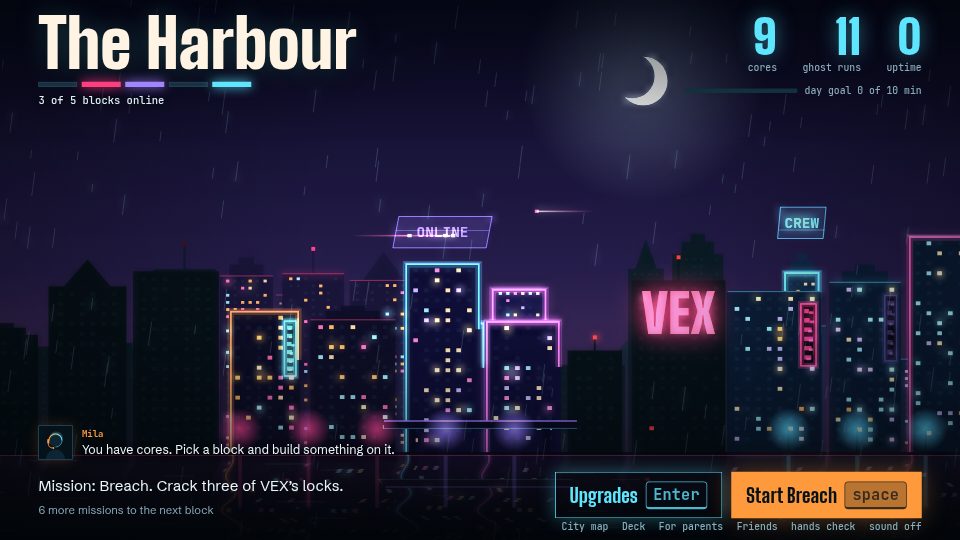
Learn to type while you switch a city back on
In Typcoon: Nightcode, every command your child types switches a piece of a blacked-out city back on. Typing neatly earns the most, so your child learns to touch type without even noticing. Free to try, no account needed.
▶ Play free